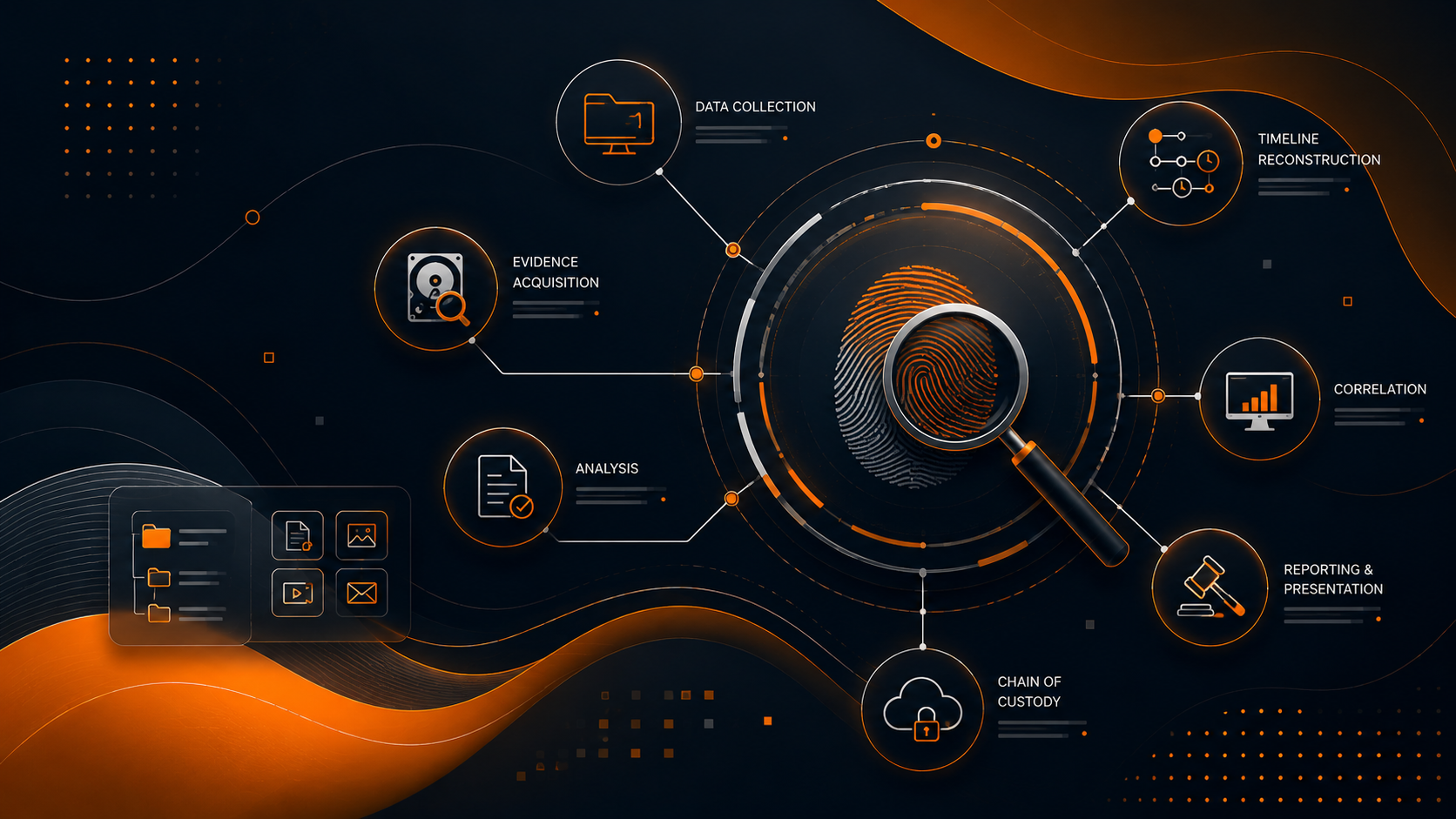
Digital forensics is the discipline of recovering and investigating material found in digital devices — often in relation to computer crime. As organisations face increasingly sophisticated threats, the ability to conduct methodical, defensible forensic examinations is a core competency for any security team. This guide provides a practical walkthrough of modern forensic frameworks across disk, memory, network, and mobile domains, with real commands and methodology.
Investigation Methodology
Every forensic investigation must follow a structured, legally defensible process. The standard framework consists of six phases:
- Identification — Recognising that an incident has occurred and determining what evidence is relevant
- Preservation — Isolating and securing the data to prevent tampering or contamination
- Collection — Recording the scene and acquiring data using forensically sound methods
- Examination — Using tools to extract and reveal hidden or deleted data
- Analysis — Correlating extracted data to answer the key investigation questions
- Reporting — Presenting findings in a clear, objective, and admissible format
Legal Disclaimer: Forensic tools and techniques described here must only be used on systems you own or have explicit written authorisation to examine. Unauthorised access to computer systems is illegal under laws including the CFAA (US), Computer Misuse Act (UK), and IT Act (India). Always obtain proper legal counsel before conducting any forensic acquisition.
Disk Forensics with Autopsy / The Sleuth Kit
The Sleuth Kit (TSK) is a collection of command-line tools for forensic disk analysis. Autopsy provides a graphical front-end. Together they form the backbone of open-source disk forensics.
Imaging a Drive
Before any analysis, create a forensic image. Never work on the original device.
bash$ dc3dd if=/dev/sda of=/evidence/case001.dd hash=sha512 log=/evidence/case001.log
$ guymager  # GUI disk imager with verification
Partition Analysis with mmls & mmcat
Examine the partition layout and extract individual partitions:
bash$ mmls /evidence/case001.dd
$ mmcat /evidence/case001.dd 2 > /evidence/part2.dd
Note: mmls displays the partition table in a layout similar to what you would see with fdisk -l, but it works on raw images, not just block devices. Slot numbers correspond to each partition and are used with mmcat.
File System Navigation with fls & icat
fls lists files and directories within an image, including deleted entries marked with %. icat outputs the contents of a file by its inode number.
bash$ fls -o 2048 -r /evidence/case001.dd | head -50
$ fls -o 2048 -d /evidence/case001.dd  # list only deleted files
$ icat -o 2048 /evidence/case001.dd 12845 > recovered.pdf
File Carving with foremost & scalpel
When the file system is damaged or deleted, file carving recovers files based on their headers and footers.
bash$ foremost -i /evidence/case001.dd -o /evidence/carved/
$ scalpel -c /etc/scalpel/scalpel.conf -i /evidence/case001.dd -o /evidence/scalpel-out/
Investigation Tip: File carving is not limited to images. Use foremost on memory dumps, swap files, and even unallocated space. Always review the audit.txt file foremost generates — it logs every carving attempt with timestamps for your chain of custody.
Autopsy strings it all together in a case browser that lets you tag files, create timelines, and export reports. It supports keyword search, hash set matching (NSRL), and registry analysis through its ingest modules.
bash$ autopsy # launches the web interface on localhost:9999
Memory Forensics with Volatility 3
Memory forensics reveals what was running on a system at the time of acquisition — processes, network connections, loaded modules, and encryption keys that never touch disk.
Acquiring Memory
bash$ sudo ./linpmem -o /evidence/mem.lime  # Linux
$ winpmem.exe mem.raw                    # Windows
Volatility 3 Basics
Volatility 3 uses a plugin-based architecture. Every plugin is prefixed by the OS layer (windows., linux., mac.).
bash$ python3 vol.py -f mem.raw windows.info
$ python3 vol.py -f mem.raw windows.pslist
$ python3 vol.py -f mem.raw windows.psscan  # hidden/unlinked processes
windows.info shows the OS version, system time, and the number of CPUs. Always start here to confirm your profile and verify the integrity of the dump.
Investigating Processes
bash$ python3 vol.py -f mem.raw windows.pslist --pid
$ python3 vol.py -f mem.raw windows.pstree
$ python3 vol.py -f mem.raw windows.cmdline
$ python3 vol.py -f mem.raw windows.malfind  # detect injected code
Note: windows.malfind scans for memory pages with VAD tags indicating executable, writable, and private memory — a classic sign of code injection. It dumps the suspect pages and disassembles them for manual review. Cross-reference with windows.dlllist to identify anomalous module loads.
Network Artifacts
bash$ python3 vol.py -f mem.raw windows.netscan
$ python3 vol.py -f mem.raw windows.netstat
Look for connections to suspicious IP addresses, reverse shells, and beaconing traffic at unusual intervals.
Dumping Processes & Registry
bash$ python3 vol.py -f mem.raw windows.dumpfiles --pid 3420
$ python3 vol.py -f mem.raw windows.registry --dump
$ python3 vol.py -f mem.raw windows.hashdump  # extract NTLM hashes
Investigation Tip: Use windows.dumpfiles to extract the executable from memory for offline analysis. You can then submit the dumped binary to VirusTotal or analyse it in a sandbox. Combine windows.malfind output with windows.dumpfiles to preserve injected code regions.
Network Forensics: PCAP Analysis
Network traffic captures are often the first source of evidence in an intrusion investigation. Wireshark and tshark are the standard tools.
Command-Line Analysis with tshark
bash$ tshark -r capture.pcap -T fields -e ip.src -e ip.dst -e tcp.port | head -20
$ tshark -r capture.pcap -Y "http.request" -T fields -e http.host -e http.request.uri
$ tshark -r capture.pcap -Y "tls.handshake.type == 1" -T fields -e tls.handshake.extensions_server_name
Extracting Objects from HTTP Streams
bash$ tshark -r capture.pcap --export-objects "http,/evidence/http-objects/"
$ foremost -i capture.pcap -o /evidence/pcap-carved/
Identifying C2 Traffic Patterns
Command-and-control traffic often exhibits distinctive patterns. Look for:
- Regular beaconing intervals (e.g., HTTP GET requests every 60 seconds exactly)
- Unusual User-Agent strings or missing headers
- DNS queries to domains with high entropy subdomains (DGA indicators)
- Data exfiltration via DNS TXT records or HTTP POST bodies
- Unusual TLS certificate parameters or self-signed certificates
bash$ tshark -r capture.pcap -Y "dns.qry.name" -T fields -e dns.qry.name | sort | uniq -c | sort -rn
$ tshark -r capture.pcap -Y "http.request" -T fields -e http.user_agent | sort | uniq -c | sort -rn
Admissibility Warning: Raw packet captures contain payload data that may include privileged communications, PII, or trade secrets. Ensure your chain of custody documentation explicitly covers how you are handling captured data. In many jurisdictions, network captures without a warrant may be inadmissible if they cross the boundary of authorised monitoring.
Windows Forensic Artifacts
Windows leaves a vast trail of forensic artifacts. Knowing where to look and how to interpret them is critical.
Prefetch & Amcache
Prefetch files (C:\Windows\Prefetch\*.pf) record every executed application, including the number of runs and the last run time. Amcache (C:\Windows\AppCompat\Programs\Amcache.hve) stores metadata about executed programs including SHA1 hashes.
bash$ python3 vol.py -f mem.raw windows.prefetchdump
$ cd C:\Windows\Prefetch && ls -la *.pf | sort -t' ' -k5 -rn | head -20
Registry Hives
Critical registry hives for forensic analysis:
- SAM (
C:\Windows\System32\config\SAM) — Local user account hashes - SYSTEM (
C:\Windows\System32\config\SYSTEM) — System configuration, mount points, network interfaces - SOFTWARE (
C:\Windows\System32\config\SOFTWARE) — Installed software, AV exclusions - NTUSER.DAT (
C:\Users\[user]\NTUSER.DAT) — Per-user settings, MRU lists, typed URLs - USRCLASS.DAT (
C:\Users\[user]\AppData\Local\Microsoft\Windows\USRCLASS.DAT) — Shell items, Jump Lists
bash$ python3 -c "
import Registry
reg = Registry.Registry('./SAM')
key = reg.open('SAM/Domains/Account/Users/000001F4')
print(key.value('F').value().hex())
"
Note: Use RegRipper (rip.exe -r SYSTEM -p networklist) for automated registry analysis. Zimmerman's Registry Explorer provides a GUI with transaction log recovery — critical when attackers wipe registry keys to hide their tracks.
Windows Event Logs
Key Event IDs that every forensic examiner should know:
- 4624 — Successful logon (includes logon type: 2=interactive, 3=network, 10=remote desktop)
- 4625 — Failed logon (brute force detection)
- 4688 — Process creation (with command-line auditing enabled)
- 4648 — Logon with explicit credentials (runas)
- 1102 — Security log cleared (strong indicator of anti-forensics)
- 7045 — New service installed (persistence mechanism)
bash$ wevtutil qe Security /q:"*[System[(EventID=4624)]]" /c:10 /e:Events
$ Get-WinEvent -FilterHashtable @{LogName='Security';Id=4688} | Select-Object -First 10
$MFT & USN Journal
The Master File Table ($MFT) records every file and directory on an NTFS volume, including deleted files. The USN Journal logs every change to files on the volume.
bash$ python3 vol.py -f mem.raw windows.mftparser --output-file=mft_output.txt
$ MFTECmd.exe -f "\$MFT" --csv mft_output.csv
$ MFTECmd.exe -f "\$UsnJrnl:\$J" --csv usn_output.csv
Jump Lists
Jump Lists track recently accessed files via the taskbar. They persist even when the user clears their recent files history.
bash$ JLECmd.exe -d "C:\Users\suspect\AppData\Roaming\Microsoft\Windows\Recent" --csv
$ python3 vol.py -f mem.raw windows.jumplist
Linux Forensics
Linux forensic analysis focuses on logs, user activity, and persistence mechanisms.
User Activity Analysis
bash$ cat ~/.bash_history | tail -100
$ last -F   # full login/logout history
$ lastlog   # most recent login for every user
$ w        # currently logged-in users and their activity
Log Analysis
bash$ less /var/log/auth.log      # authentication log (Debian/Ubuntu)
$ less /var/log/secure          # authentication log (RHEL/CentOS)
$ less /var/log/syslog          # system log
$ journalctl -u sshd --since "2026-05-01" --until "2026-05-10"
$ ausearch -m USER_LOGIN -ts 05/01/2026 -te 05/10/2026  # auditd query
Process & Network Analysis
bash$ lsof -i -P -n   # list all network connections
$ ps auxf          # full process tree
$ netstat -tulpn   # listening ports and associated processes
$ ss -tunap        # modern alternative to netstat
Finding Persistence Mechanisms
Attackers on Linux often establish persistence through crontab, systemd services, SSH keys, or kernel modules.
bash$ crontab -l
$ ls -la /etc/cron* /var/spool/cron/
$ systemctl list-units --type=service --state=active
$ lsmod        # list loaded kernel modules
$ cat ~/.ssh/authorized_keys
$ find / -name "*.service" -newer /etc/crontab -type f 2>/dev/null
Investigation Tip: Always check .bashrc, .profile, and .bash_logout for malicious aliases or one-liners that execute on login. Attackers also hide processes by replacing common utilities with trojaned versions — check integrity against package manager hashes: rpm -V (RHEL) or debsums (Debian).
Mobile Forensics
Mobile devices contain a wealth of forensic evidence — communications, location data, photos, and app-specific databases.
Android ADB Logical Acquisition
bash$ adb devices -l                    # list connected devices
$ adb backup -apk -shared -all -f backup.ab  # full backup (Android < 6)
$ adb shell "su -c dd if=/dev/block/mmcblk0 of=/sdcard/physdump.raw bs=4096"  # physical (root required)
Warning: Connecting to an Android device via USB changes the device state — modifying timestamps and potentially triggering remote wipe commands. Always document the device state (USB debugging enabled/disabled, airplane mode, etc.) before connecting. For evidentiary integrity, use a Faraday bag and a forensic USB hub.
SQLite Analysis
Most mobile app data is stored in SQLite databases.
bash$ sqlite3 mmssms.db "SELECT * FROM sms;"
$ sqlite3 contacts2.db "SELECT display_name, data1 FROM raw_contacts JOIN data ON raw_contacts._id = data.raw_contact_id;"
$ sqlite3 databases/chats.db "SELECT * FROM chat_message ORDER BY created_at DESC;"
Recovering Deleted SQLite Records
When SQLite records are deleted, the data often remains in the database file as free blocks or in the Write-Ahead Log (WAL) or rollback journal.
bash$ sqlite3 database.db "PRAGMA wal_checkpoint;"
$ strings database.db-wal | grep -E '^[0-9]{10}$'    # extract timestamps from WAL
$ foremost -i database.db -o recovered_db/
$ python3 -c "
# carve deleted SQLite records by searching for INSERT statements
with open('database.db', 'rb') as f:
    data = f.read()
    for match in re.findall(rb'INSERT INTO.+$', data, re.MULTILINE):
        print(match.decode(errors='ignore'))
"
Note: SQLite's VACUUM command permanently scrubs deleted records. If an app calls VACUUM (WhatsApp does on database corruption), recovery becomes significantly harder. In those cases, carve unallocated space from the raw partition image rather than the database file.
Anti-Forensics Detection
Attackers increasingly employ anti-forensic techniques to evade analysis. Here is how to detect them.
Timestomping Detection
Attackers use tools like timestomp or SetMACE to modify file timestamps. Detect discrepancies between metadata sources.
bash$ MFTECmd.exe -f "\$MFT" --de 5  # detect unusual MFT entry modifications
$ python3 vol.py -f mem.raw windows.timeliner  # compare timestamps across artifacts
Indicators of timestomping include: files with creation time later than modification time, files with the exact same timestamp across hundreds of entries, or timestamps that use impossible date values (e.g., year 1601).
Log Wiping Detection
Attackers may clear Event Logs, delete syslog entries, or modify log rotation settings.
bash$ wevtutil gl Security | findstr "logFileName"  # check if log is cleared
$ ausearch -m EVENT_DELETE -ts recent  # auditd event deletion
$ journalctl --list-boots | head -5  # check for gaps in boot IDs
A gap in log sequence numbers, a sudden drop in log volume, or Event ID 1102 (log cleared) all indicate deliberate log tampering.
Hidden Process Detection
Rootkits hide processes from standard tools. Compare outputs from different sources.
bash$ python3 vol.py -f mem.raw windows.pslist      # userland
$ python3 vol.py -f mem.raw windows.psscan      # pool scanning (EPROCESS)
$ python3 vol.py -f mem.raw windows.thrdscan    # thread scanning
$ # Cross-reference: processes in psscan but not pslist are likely hidden
Encrypted Container Detection
VeraCrypt, BitLocker, and LUKS volumes may be present on the examined system.
bash$ python3 vol.py -f mem.raw windows.veraCrypt  # detect VeraCrypt keys in memory
$ blkid | grep crypto  # Linux: find LUKS partitions
$ manage-bde -status  # Windows: BitLocker status
$ strings mem.raw | grep -i 'veracrypt\|truecrypt'
Investigation Tip: If you find an encrypted container but no key material in memory, check for container files with high entropy and large file sizes in unexpected locations. Mounted VeraCrypt volumes leave traces in the registry under HKCU\Software\VeraCrypt. Volatility's windows.veraCrypt plugin can extract encryption keys directly from memory if the volume was mounted during acquisition.
Chain of Custody Documentation
Every piece of evidence must be traceable from the moment of collection to its presentation in court. Proper documentation is as important as technical analysis.
- Label everything — every drive, image file, and screenshot needs a unique identifier
- Use cryptographic hashes — record SHA-256 (or SHA-512) hashes at every transfer point
- Document access — who accessed the evidence, when, and for what purpose
- Maintain a timeline — every action from acquisition to analysis must be timestamped
- Use write blockers — hardware or software write blockers for every acquisition
- Secure storage — evidence must be stored in a locked, access-controlled environment
bash$ sha256sum /evidence/case001.dd > /evidence/case001.hash
$ # Verify integrity before any analysis:
$ sha256sum -c /evidence/case001.hash
Critical: Without a proper chain of custody, even the most brilliant forensic analysis is useless in court. Defence attorneys will attack the chain of custody before they attack the technical findings. Use digital evidence management platforms like Velociraptor or GRR to automate custody tracking across enterprise investigations.
Next Steps
Digital forensics is a deep discipline that rewards hands-on practice. Set up a lab with virtual machines, generate your own forensic scenarios, and work through the techniques above. Recommended certifications include GCFE (Forensics Examiner), GCFA (Advanced Incident Response), and GNFA (Network Forensics).
Visit FoxFoster Labs for forensic challenge environments, and join our community to share investigation techniques with fellow examiners. The CTF Arena also features forensics-themed challenges to sharpen your skills.